

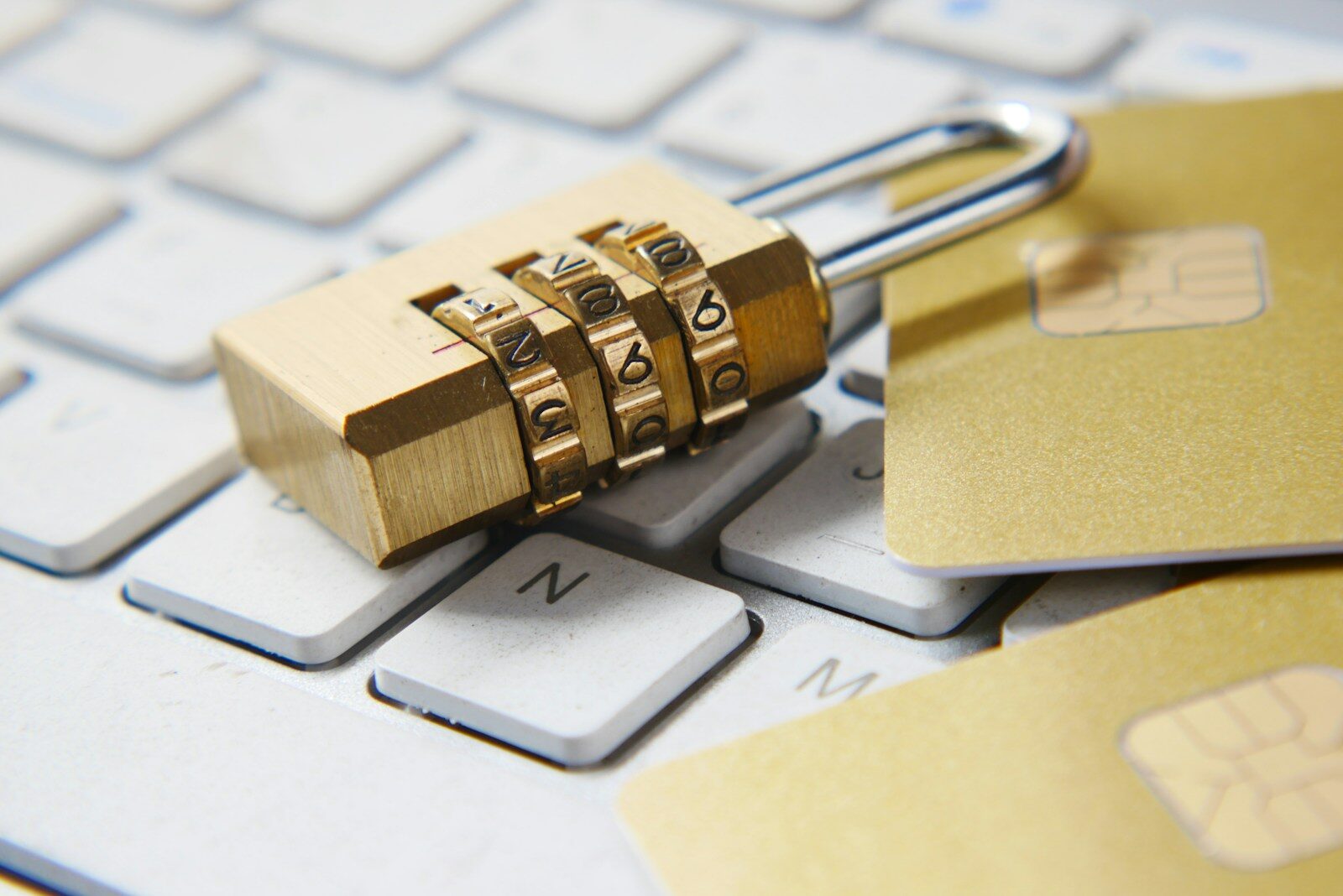
Spyware is one of the most persistent threats to computer users today. This hidden software invades your system, secretly collecting personal information without your consent. If you suspect your computer is infected, acting promptly is crucial. Using reliable spyware remover software is the best way to identify and eliminate these harmful programs.
What is Spyware and Why is it Dangerous?
Spyware is a type of malicious software designed to infiltrate your computer and monitor your activities without your knowledge. Unlike viruses, spyware focuses on stealing sensitive data such as login credentials, financial information, and browsing habits. This stolen data can be sold to third parties or used for identity theft and other fraudulent activities.
Spyware goes by many names, including sneakware, malware, adware, and snoopware. Regardless of the label, its purpose is the same: to spy on your activities and compromise your privacy.
How Does Spyware Enter Your System?
Spyware can infiltrate your device through several common methods:
- Downloading infected software or free applications from untrusted sources
- Clicking on suspicious email links or attachments
- Visiting compromised or malicious websites
- Using unsecured public Wi-Fi networks
- Through bundled software installers that include hidden spyware
Being aware of these entry points can help you prevent spyware infections before they start.
How to Detect Spyware on Your Computer
Spyware often operates silently, making detection difficult without the right tools. Here are some common signs your system might be infected:
- Unusually slow computer performance
- Unexpected pop-up ads or redirects while browsing
- Changes to your homepage or browser settings without permission
- Programs crashing frequently or unexplained error messages
- Increased network activity when you’re not actively using the internet
If you notice these symptoms, it’s time to run a full scan using trusted spyware remover software.
Choosing the Best Spyware Remover Software
A quality spyware remover program scans your system for hidden threats and removes malicious files effectively. When selecting software, consider the following features:
- Real-time protection: To detect and block spyware before it infects your system
- Comprehensive scanning capabilities: Including deep scanning of files, registry, and running processes
- Regular updates: To keep up with the latest spyware definitions
- User-friendly interface: Easy to navigate for users of all skill levels
- Good customer support and reputation: Verified by user reviews and security experts
Many effective spyware removers are available for free from reputable websites. Just make sure you download them from official sources to avoid counterfeit software that could worsen your security.
Best Practices to Prevent Spyware Infections
In addition to using spyware remover software, adopting safe computing habits reduces your risk of infection:
- Keep your operating system and all software up to date with the latest security patches
- Use a robust antivirus program with spyware protection included
- Avoid clicking on unknown email links or downloading attachments from untrusted senders
- Be cautious when installing free software and always opt for custom installation to deselect unwanted extras
- Regularly back up important data to a secure location
- Use secure, encrypted Wi-Fi connections whenever possible
Conclusion
Spyware poses a serious threat to your privacy and computer security. However, with the right knowledge and tools, you can effectively protect yourself. Staying vigilant, recognizing the signs of spyware, and using trusted spyware remover software are essential steps to safeguard your system. Prioritize your digital safety by keeping your software updated, practicing cautious browsing habits, and choosing reputable security solutions. Your peace of mind and data security depend on it.