

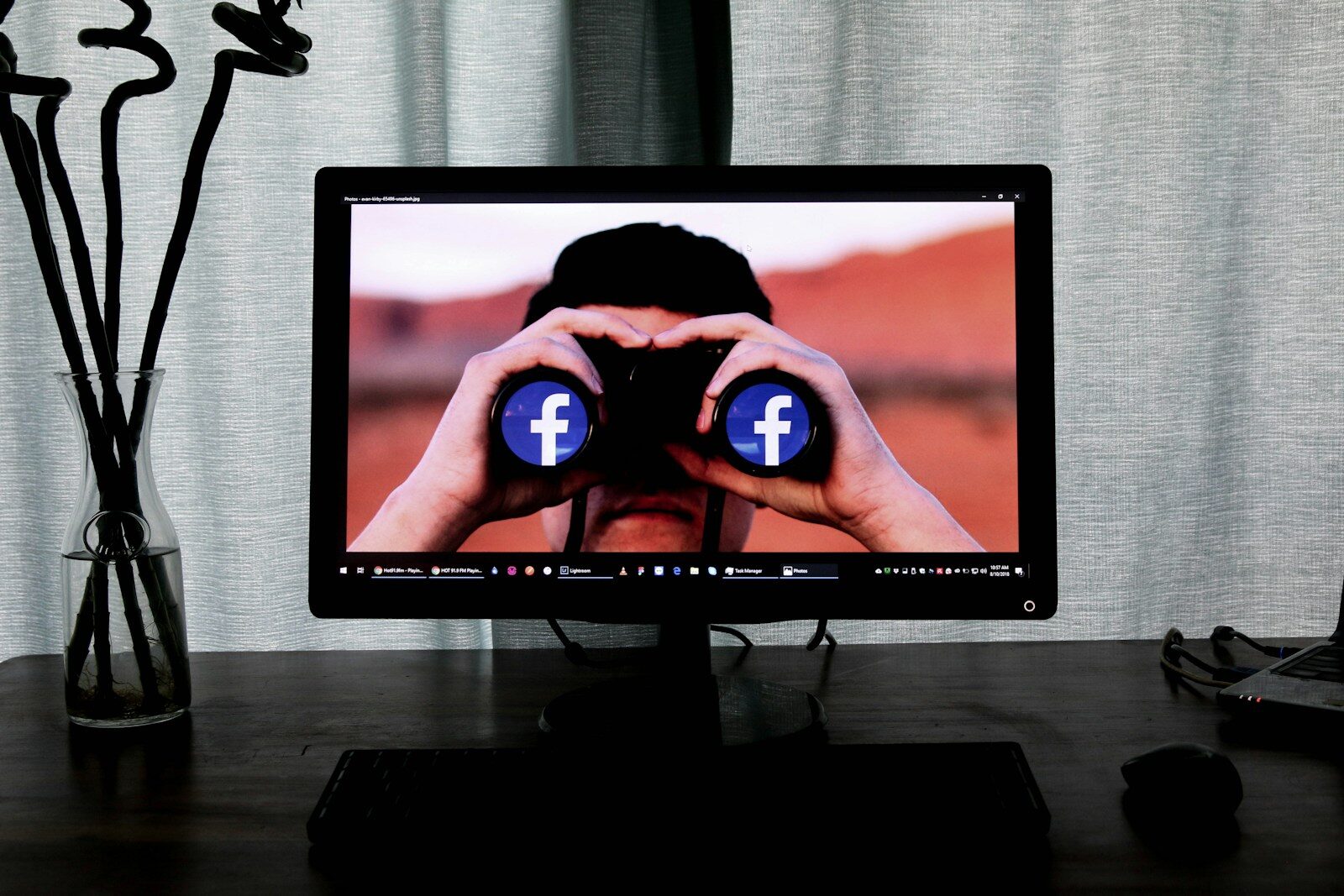
Imagine browsing a busy street and suddenly seeing a flyer at your doorstep advertising the exact shoes you admired in a store window. Online, this scenario isn’t just coincidence—it often means your digital activity is being tracked. Spyware silently monitors your online behavior, threatening your privacy and security. Understanding spyware and how to defend yourself is crucial in today’s connected world.
What Is Spyware and How Does It Work?
Spyware is a type of malicious software designed to secretly track your internet activity without your consent. Unlike adware, which pushes ads through pop-ups or free software, spyware focuses on collecting your personal data and behavior patterns for use by advertisers, developers, or even government agencies.
Spyware vs. Adware
- Adware: Displays unwanted ads, often bundled with freeware, but generally less invasive.
- Spyware: Tracks online movements, collects sensitive data, and reports it stealthily to third parties.
Both types of software can affect your computer’s performance, but spyware poses a bigger threat by compromising your privacy and security.
How to Protect Yourself from Spyware
Preventing spyware infections requires a combination of smart browsing habits and protective tools. Here are some essential steps you can take:
Basic Precautions
- Disable Auto-Installations: Configure your browser to block automatic downloads and installations.
- Use Pop-Up Blockers: Prevent unwanted ads and potential spyware entry points.
- Enable Firewall Protection: Firewalls help monitor and block suspicious network activity.
Install Reliable Anti-Spyware Software
Having a trustworthy anti-spyware tool is your strongest line of defense. Many quality options are available for free or offer free trial versions. When choosing software, prioritize those with comprehensive scanning, real-time protection, and regular updates.
Top Anti-Spyware Programs to Consider
Here are some of the most effective and popular anti-spyware solutions that can help keep your system clean:
- Ad-Aware: Provides robust protection against data mining, malware, spyware, and browser hijackers.
- Active Shield: Focuses on detecting and removing trojans and spyware effectively.
- Spy-Ad Exterminator Free: Scans memory, hard drives, and registries for various threats including keyloggers.
- Spy Cleaner Lite: Identifies and removes hidden programs installed without permission.
- Spyware Doctor: Advanced removal tool targeting both adware and spyware with frequent updates.
- Free Spyware Scanner: Diagnoses infection paths and recommends removal methods.
Other reputable options include Doctor Alex Antispyware, Spyware Begone, 1-2-3 Spyware Free, and Easy Spyware Scanner. Always research and read user reviews before deciding on the software that best suits your needs.
How Anti-Spyware Tools Work
Anti-spyware programs scan your system to identify potential threats. Most offer the following options:
- Automatic Removal: Instantly deletes detected spyware without user intervention.
- Quarantine: Isolates suspicious files to prevent harm while allowing further examination.
- Custom Actions: Provides users control to ignore, delete, or manage threats based on personal preference.
Regular scanning and updates are vital to maintaining protection as spyware techniques continue to evolve.
Conclusion: Stay Vigilant Against Spyware
In today’s digital landscape, spyware remains a significant privacy risk. By adopting cautious browsing habits, using pop-up blockers and firewalls, and installing reputable anti-spyware software, you can safeguard your computer and personal information. Stay proactive—regularly update your tools and keep an eye on suspicious behavior to enjoy a safer online experience.