

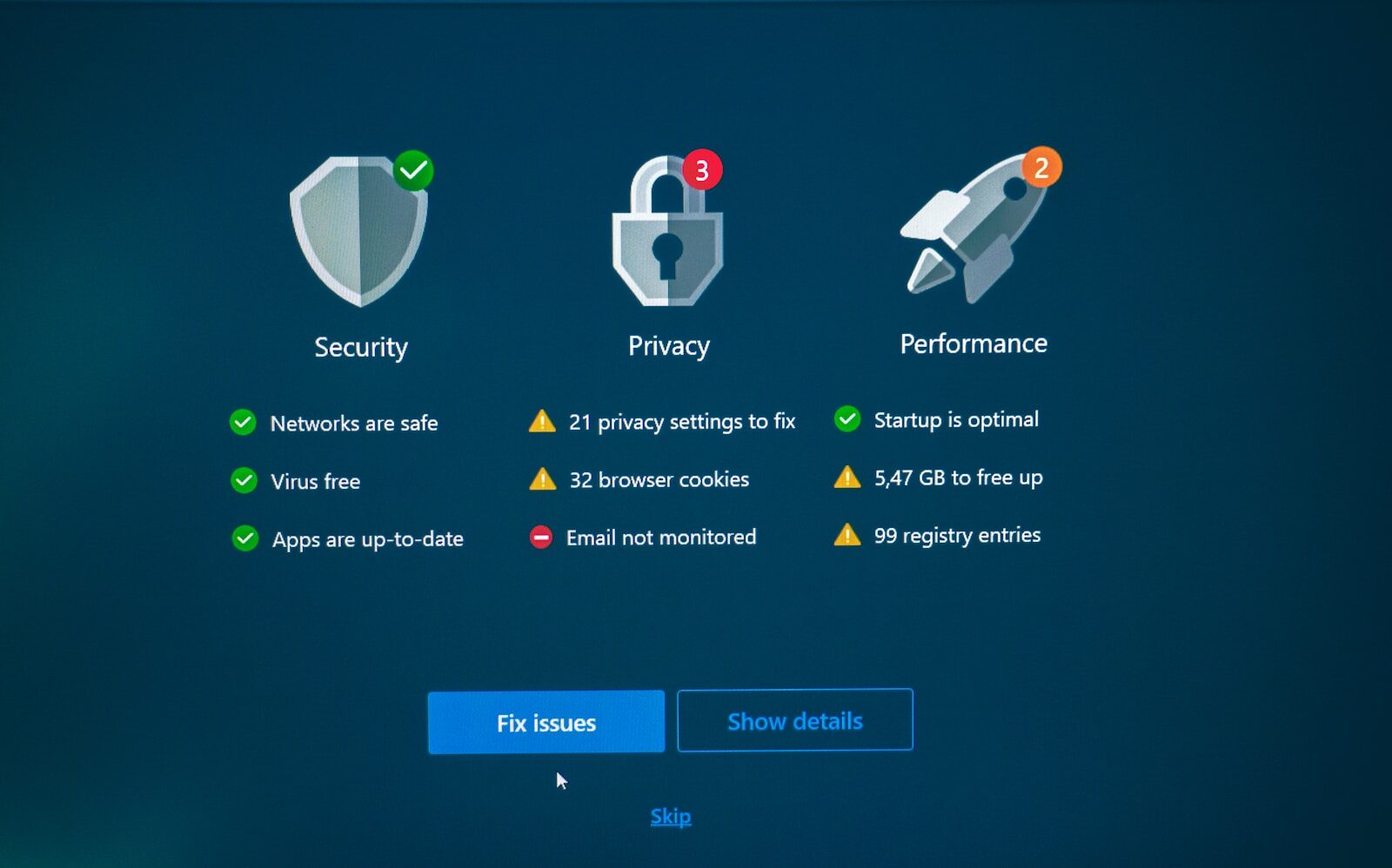
In today’s digital landscape, staying safe online requires more than just caution—it demands effective tools and smart habits. While many users understand the risks posed by viruses and worms, there are other silent threats like spyware and adware that can compromise your privacy and security. This guide covers everything you need to know about protecting your system from these malicious programs and how to remove them if necessary.
Understanding Common Internet Threats
Viruses and Worms
Viruses and worms are malicious programs designed to disrupt your computer’s functionality and spread to other systems on the network. They often enter your system through:
- Suspicious email attachments
- Malicious downloads from untrusted websites
Most people today are aware of these dangers and avoid opening unknown attachments. Additionally, reliable antivirus software can scan files before you open them, significantly reducing the chances of infection.
Spyware: The Hidden Danger
Unlike viruses and worms, spyware can stealthily infiltrate your computer without obvious symptoms. Once installed, it tracks your online activities, collects personal data, and transmits this information back to third parties without your consent.
- Tracks your browsing habits and usage patterns
- Records keystrokes, which can compromise passwords
- Scans files and documents on your hard drive
- Can lead to identity theft and privacy breaches
Adware: More Than Just Annoying Ads
Adware is software designed to display unwanted advertisements on your computer. While seemingly harmless, some adware can:
- Pop up ads constantly, even when you are not visiting related sites
- Persist on your system even after uninstalling the parent program
- Slow down system performance and disrupt workflows
Why Antivirus Software Alone Isn’t Enough
Although antivirus programs effectively combat viruses and worms, they are typically not equipped to detect or remove spyware and adware. These threats require specialized anti-spyware and anti-adware tools to identify and eliminate them completely.
How to Safeguard Your Computer
- Install comprehensive security software: Use programs that include antivirus, anti-spyware, and anti-adware protection.
- Be cautious with downloads and email attachments: Avoid files from unknown or untrusted sources.
- Keep software updated: Regularly update your operating system and security tools to patch vulnerabilities.
- Use a firewall: This adds an extra layer of defense by monitoring incoming and outgoing network traffic.
- Regularly scan your system: Schedule periodic scans with your security software to detect hidden threats early.
Removing Spyware and Adware Safely
Uninstalling spyware and adware can be challenging because these programs are often bundled with legitimate software and may attempt to protect themselves from removal. Here’s what you need to know:
- Spyware and adware might disable or interfere with legitimate software if removal is attempted improperly.
- Use reputable anti-spyware and adware removal tools designed specifically to handle these threats.
- Perform removal in safe mode if the spyware or adware resists standard uninstallation methods.
- Backup important data before attempting removal to prevent data loss.
Conclusion
Protecting your computer from viruses, spyware, and adware is critical in maintaining your online privacy and system performance. While antivirus software helps guard against common threats, incorporating dedicated anti-spyware and anti-adware tools ensures comprehensive protection. Stay vigilant by practicing safe browsing habits, keeping your security software up to date, and scanning your system regularly. By taking these proactive steps, you can enjoy a safer, faster, and more secure computing experience.